Plan the week
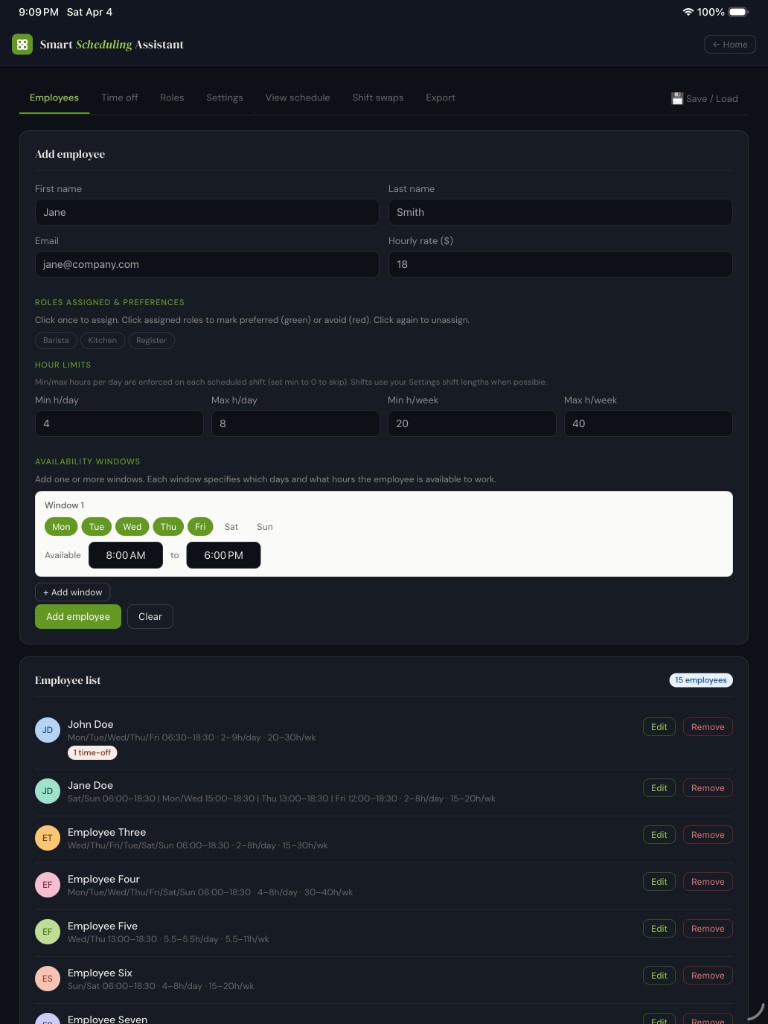
Add employees, roles, and hour limits. Track time off and availability windows. Define shift lengths and staffing targets, then generate a draft you can refine.
Built for real schedules · Hammoch Apps · Madison, WI
Build fair weekly staff schedules fast on iPhone and iPad: availability, time off, roles, and staffing rules in one place. Your roster stays on your device—unlock once for full access.
Inside the app
Smart Scheduling Assistant helps you plan the week—not the spreadsheet—with constraints that match real operations: roles, hour limits, time off, and staffing targets.
Add employees, roles, and hour limits. Track time off and availability windows. Define shift lengths and staffing targets, then generate a draft you can refine.
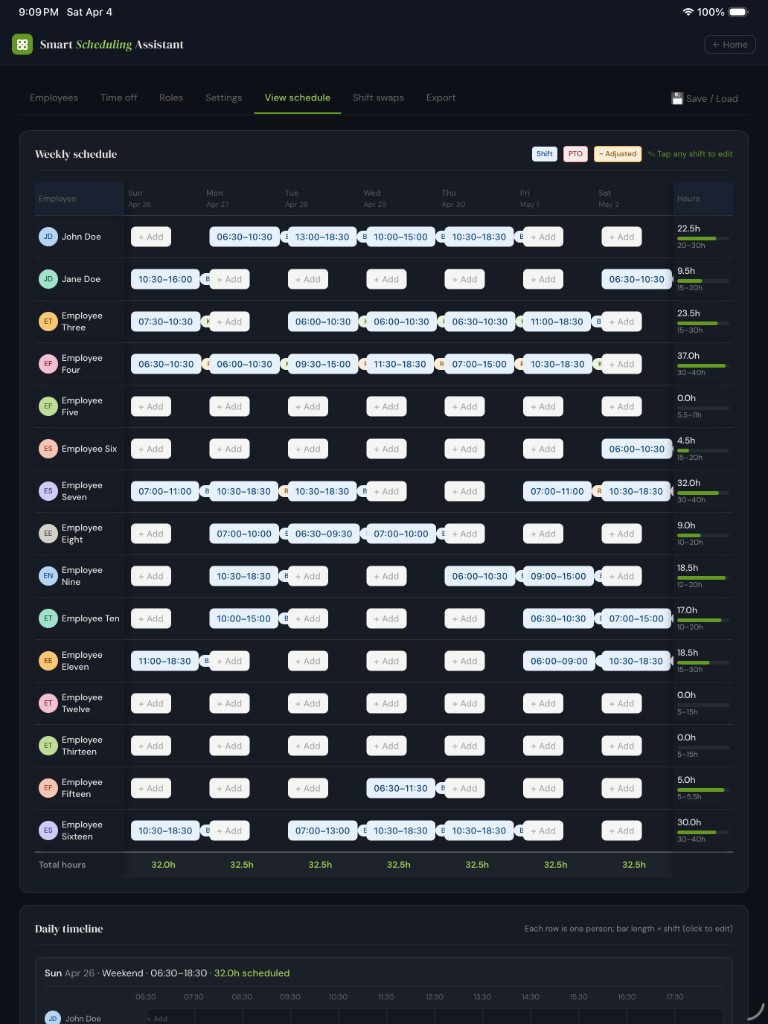
Role-aware coverage, weekly totals, edits and swaps, and a schedule view tuned for phone and iPad.
Local save/load and export so backups stay under your control—not trapped in a dashboard you don’t own.
No account required for core use. Data stays on your device unless you export. Details in our Privacy Policy.
One-time in-app purchase unlocks unlimited generation and full features. Restore purchases if you reinstall or change devices (same Apple ID).
Industries
Shift-based teams that need a fair, repeatable weekly plan—without handing rosters to another SaaS login unless you want to.
Cover peaks, respect availability, and see totals before you publish the week.
Role-aware staffing helps you hit coverage rules while honoring PTO and shift caps.
When you’re the manager and the “ops stack,” one focused app beats a brittle spreadsheet.
Screenshots
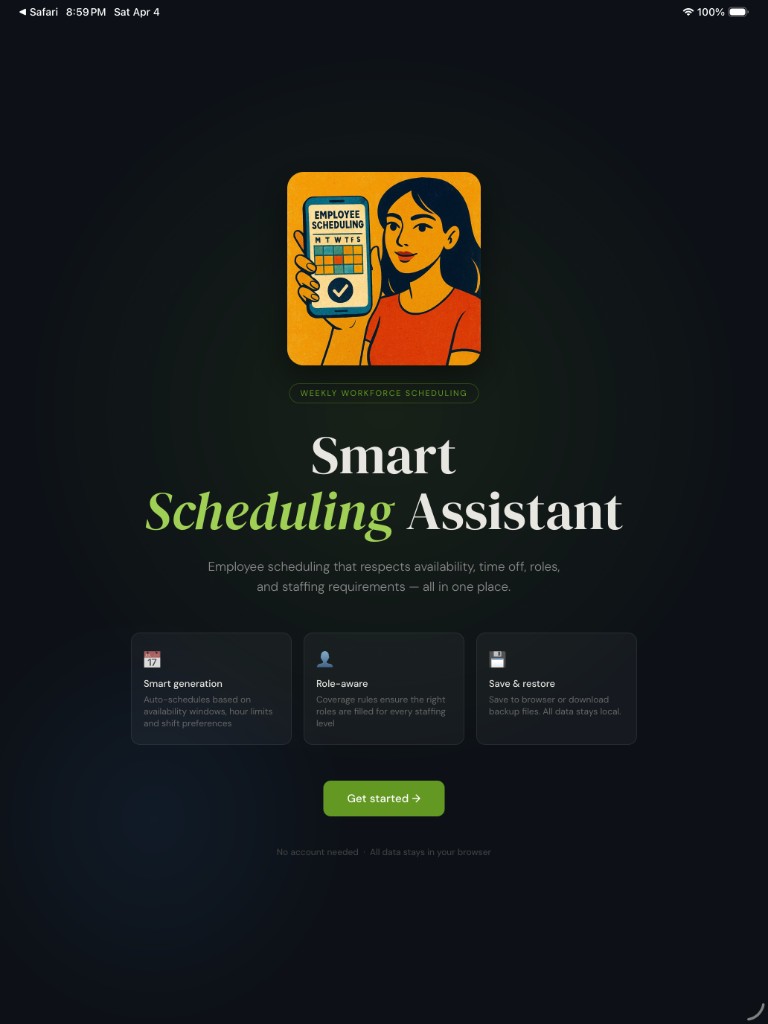
Real screens from the iOS app on iPad—welcome flow, employee roster and roles, and the weekly schedule grid with hours and daily totals.